








Description
About Grand Theft Christmas parody
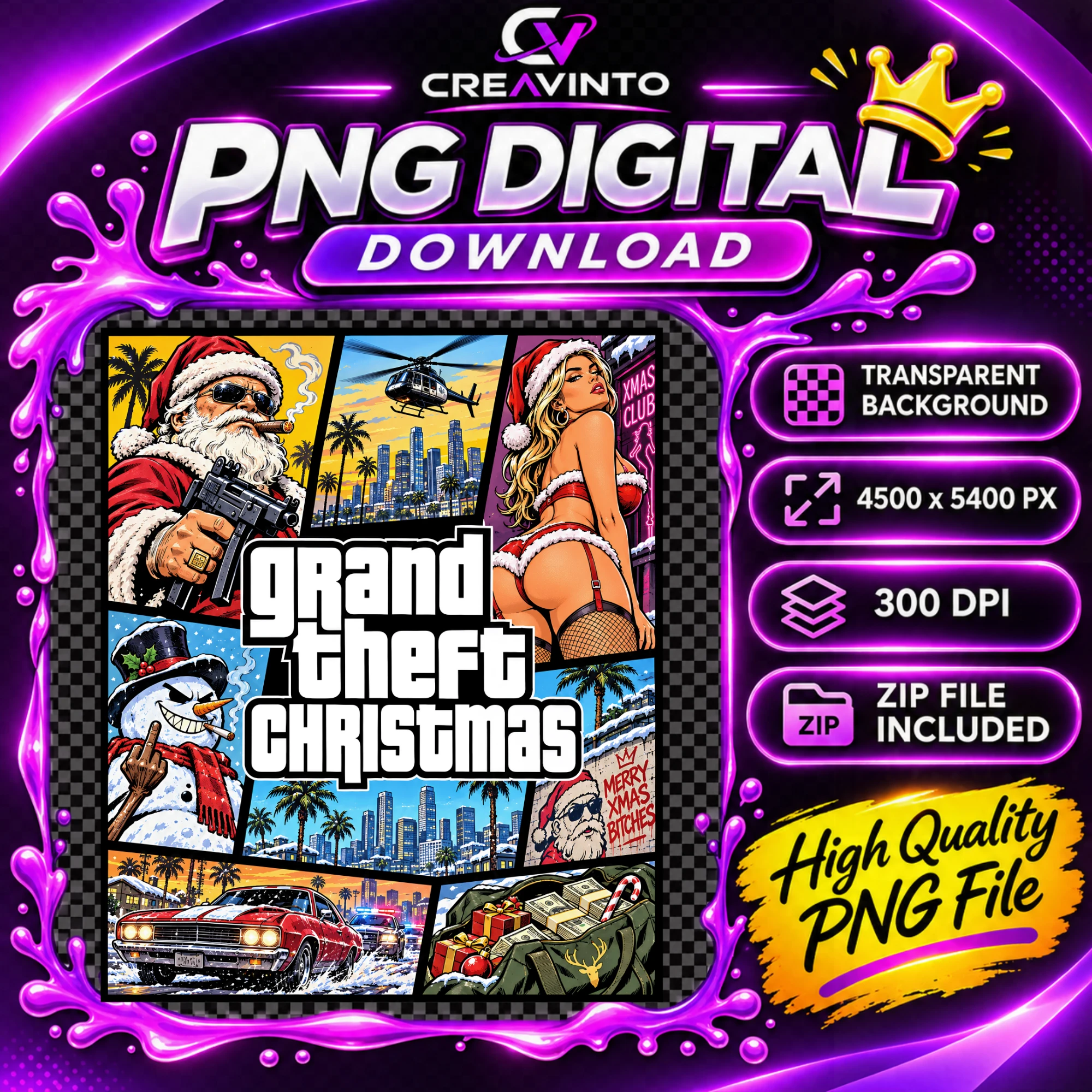
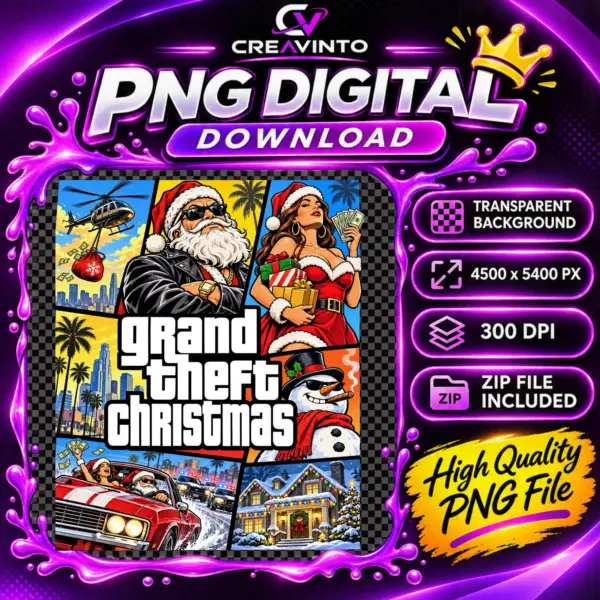
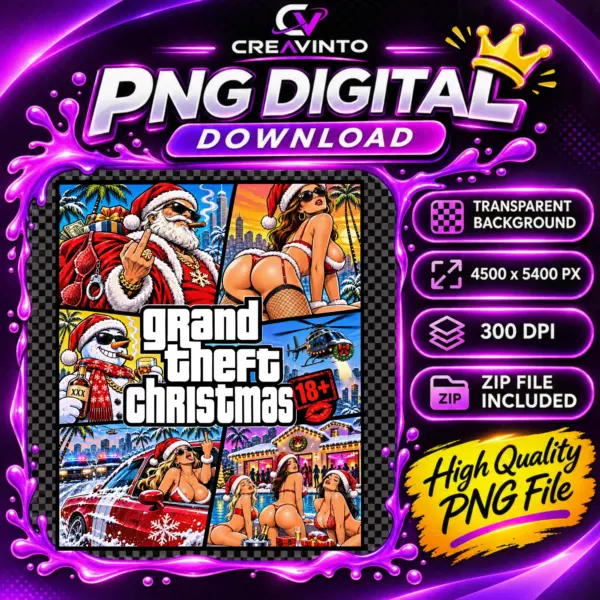
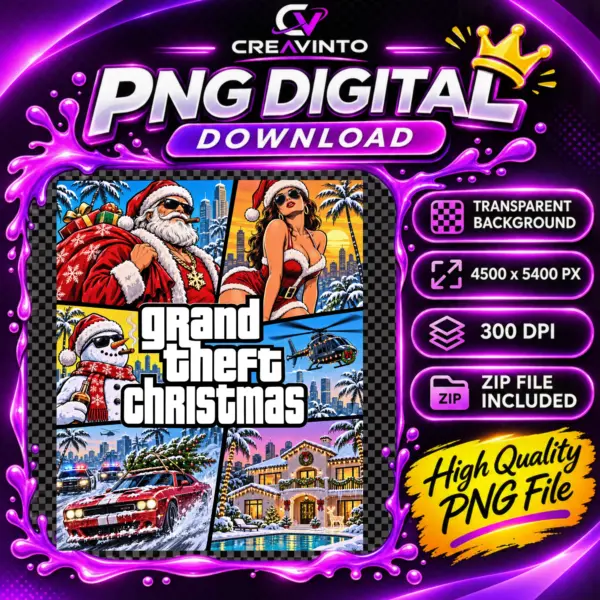
The Grand Theft Christmas parody artwork creatively merges holiday spirit with an urban crime theme. This striking cartoon features Santa in sunglasses clutching a gun, a smoking, defiant snowman, and a Christmas-themed femme fatale near a neon-lit club. Set against a cityscape, the imagery combines crime and chaos with festive elements, delivering a humorous and edgy holiday visual.
This artwork suits creative digital projects, seasonal campaigns, and unique merchandise designs. Its vivid colors, sharp details, and playful gangster holiday vibe make it a standout piece to capture attention.
What Comes With This PNG
The download includes a high-resolution PNG artwork inside a ZIP file. The image measures 4500×5400 pixels at 300 DPI, with a transparent background for flexible use in layered digital media.
- Bright, bold colors with detailed cartoon illustrations
- Transparent background PNG for easy editing
- ZIP file contains one large image for diverse applications
Why Choose It
This Grand Theft Christmas parody offers a unique blend of holiday cheer and edgy urban crime parody. It is perfect for fans of satire and distinctive holiday designs. You can easily apply it to social media posts, digital greeting cards, or creative marketing materials.
How to Extract ZIP
After purchase, download the ZIP file and use your device’s file manager to extract it. Most modern systems support built-in ZIP extraction, allowing quick access.
Download
Click the download link after purchase to get your ZIP file containing the Grand Theft Christmas parody PNG. Use it right away or save it for future holiday content.
Checking Your Digital Download
Save the ZIP file to an easy-to-find location. Extract it before opening the PNG in your design software. Keep the original ZIP safe for re-access as needed.
Checking Your Digital Download
When the download is available, save the ZIP file to a location you can find again. Extract the archive before opening the included PNG artwork in your software. On a computer, the usual extraction command is called Extract or Unzip. Some mobile devices also provide a built-in ZIP extraction option.
Check the contents after extraction rather than trying to use the ZIP archive itself as an image. Keep a copy of the original downloaded file so you can return to it if needed.