








Description
Introducing Grand Theft Christmas urban holiday
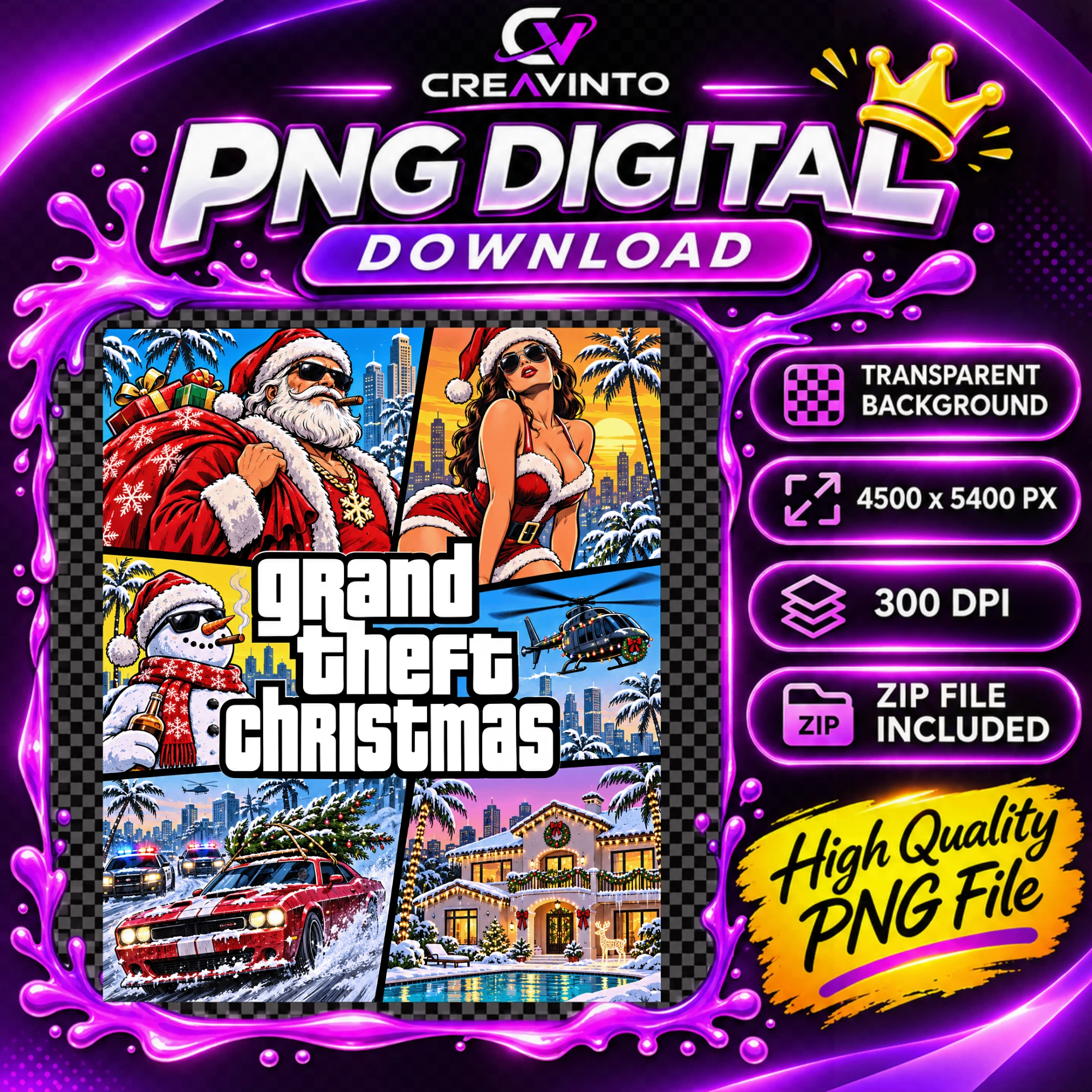
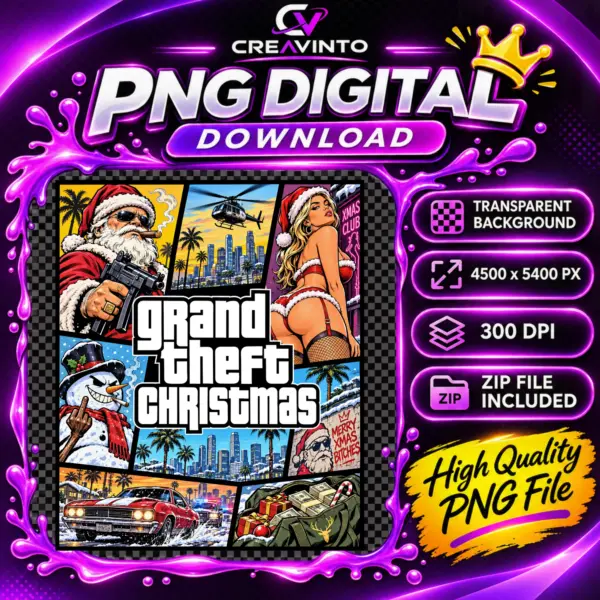
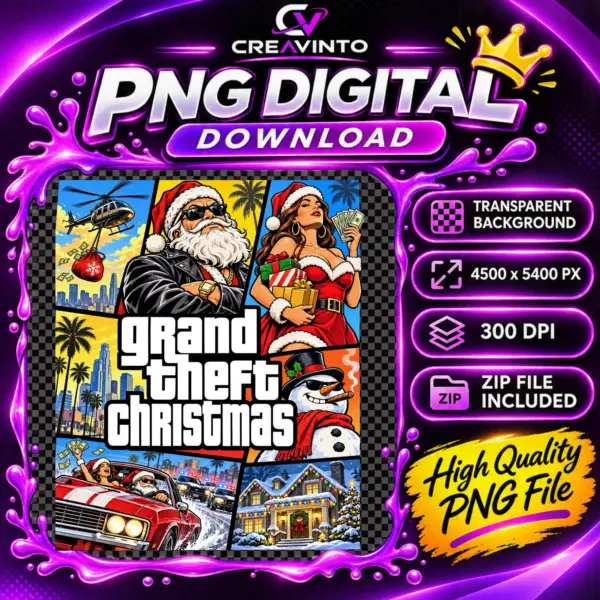
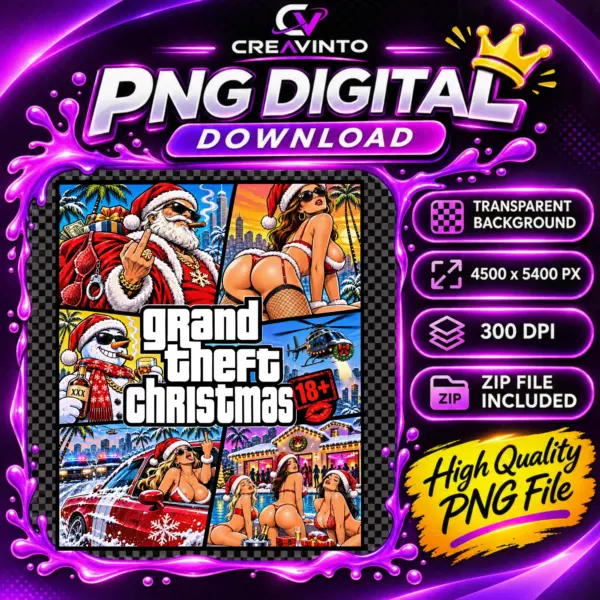
The Grand Theft Christmas urban holiday artwork offers a striking mix of festive charm and urban adventure. This digital PNG captures an edgy parody style through colorful, lively illustrations including a tough Santa, a glamorous holiday figure, a snowman with attitude, a high-speed car chase, a decorated mansion, and a helicopter lit with Christmas decorations.
What’s Included in the PNG File
This digital download delivers a high-resolution 4500×5400 pixel PNG at 300 dpi with a transparent background. The crisp details enable flawless integration into many designs. The file comes packaged in a ZIP archive for secure delivery and easy extraction.
Why This Urban Holiday Art Stands Out
The Grand Theft Christmas urban holiday artwork offers a unique blend of classic holiday motifs and urban comic style. Its vibrant colors and dynamic layout demand attention, making it perfect for seasonal digital projects without the complications of physical products. This artwork is an excellent choice for creatives wanting a fresh, fun, and bold holiday theme.
Extracting Your ZIP File
After purchasing, download the ZIP file to your device. Use built-in tools on Windows or macOS, or third-party software like WinRAR or 7-Zip, to unzip and access the PNG. Ensure your program supports high-res PNGs for best results across digital or print applications.
Download and Usage
Get immediate access to your Grand Theft Christmas urban holiday PNG after payment confirmation. Preview images shown are for illustration and not included within the download.
- High resolution 4500×5400 pixels
- 300 dpi for crisp, sharp detail
- Transparent background for versatile use
- ZIP file for easy delivery and extraction
- Unique festive urban parody style
Tips for Managing Your Digital Download
Save the ZIP file in a known folder. Extract before opening the PNG in your graphics software. On desktops, use “Extract” or “Unzip” options; many mobile devices also support ZIP extraction. Always keep a copy of the original ZIP for backup.
Checking Your Digital Download
When the download is available, save the ZIP file to a location you can find again. Extract the archive before opening the included PNG artwork in your software. On a computer, the usual extraction command is called Extract or Unzip. Some mobile devices also provide a built-in ZIP extraction option.
Check the contents after extraction rather than trying to use the ZIP archive itself as an image. Keep a copy of the original downloaded file so you can return to it if needed.