












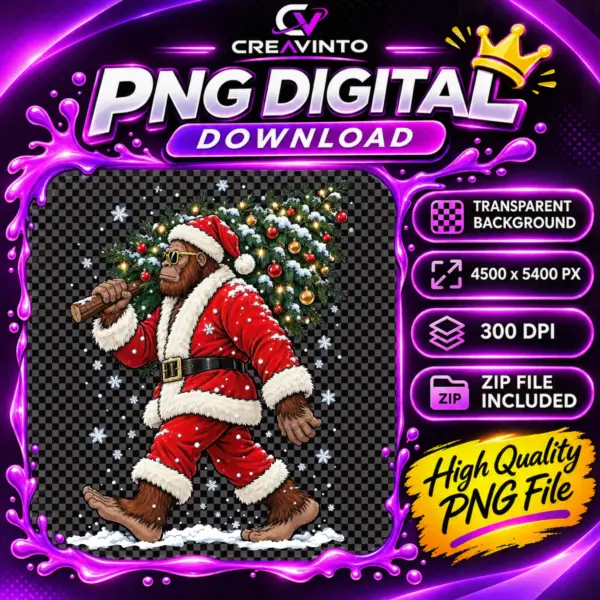

Description
About Santa and Reindeer Funny Retro Christmas
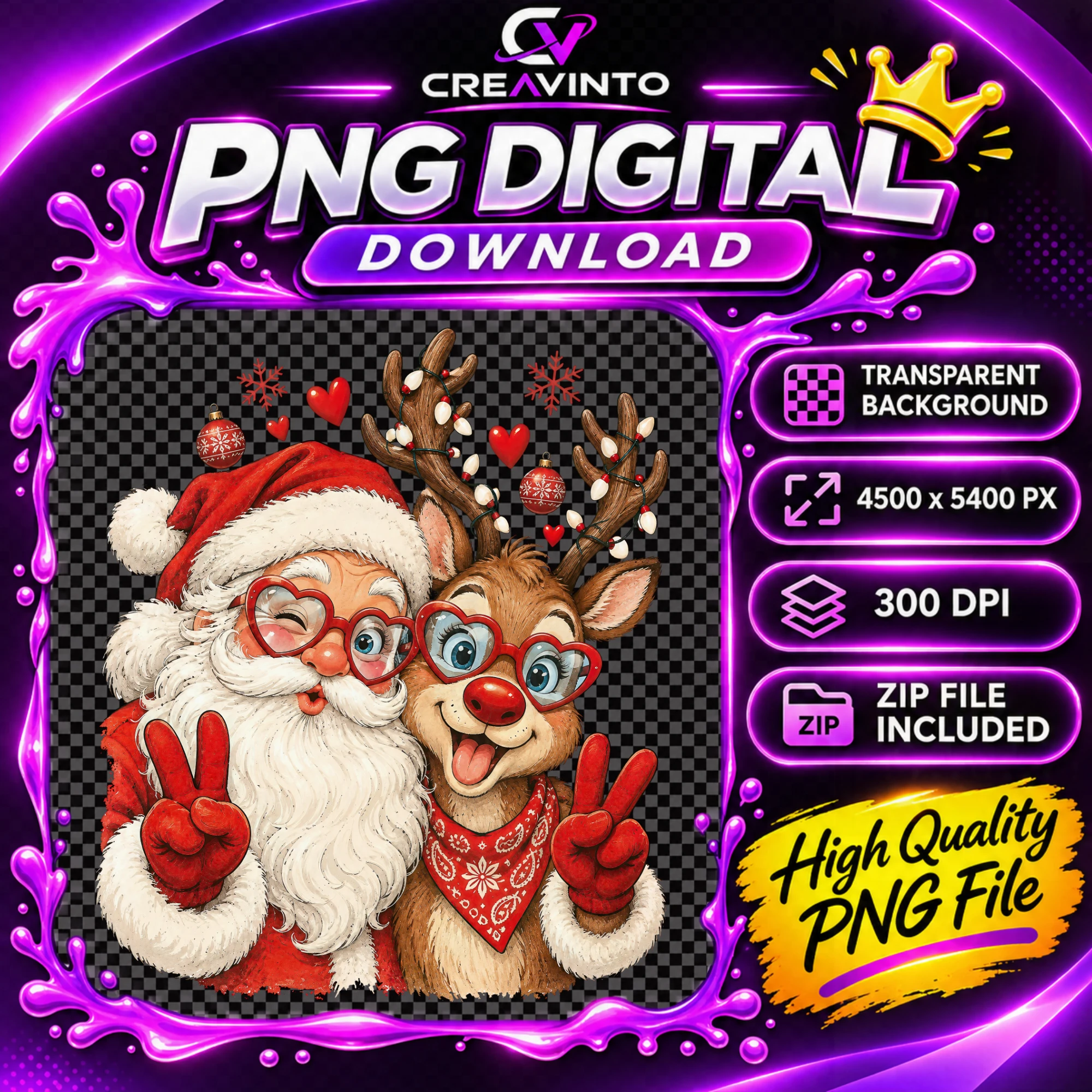
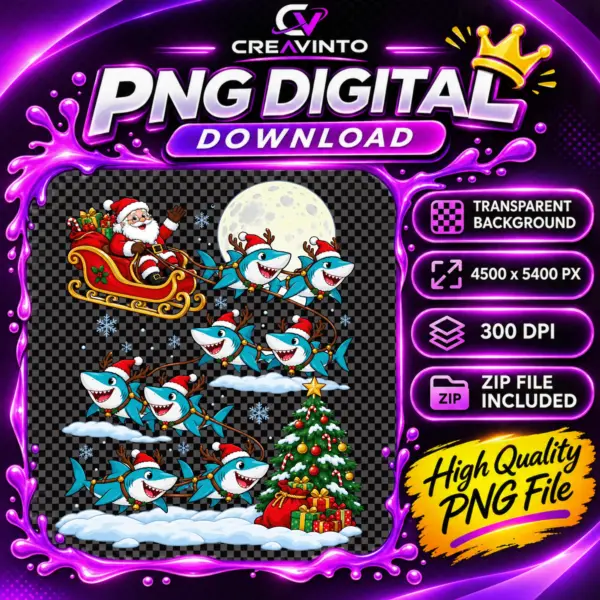
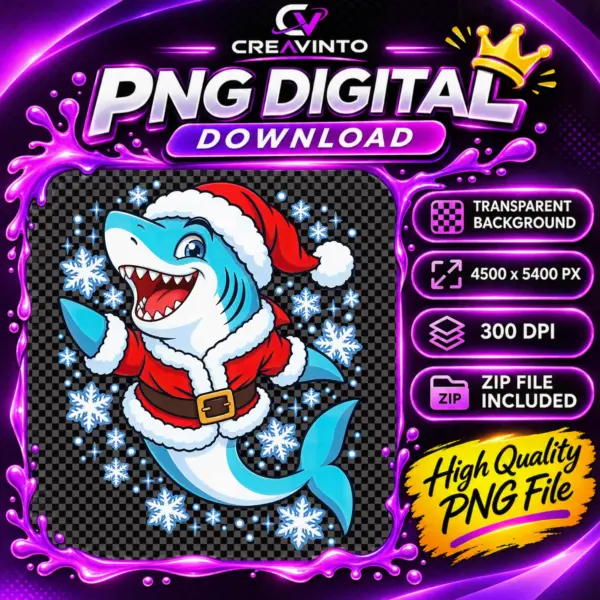
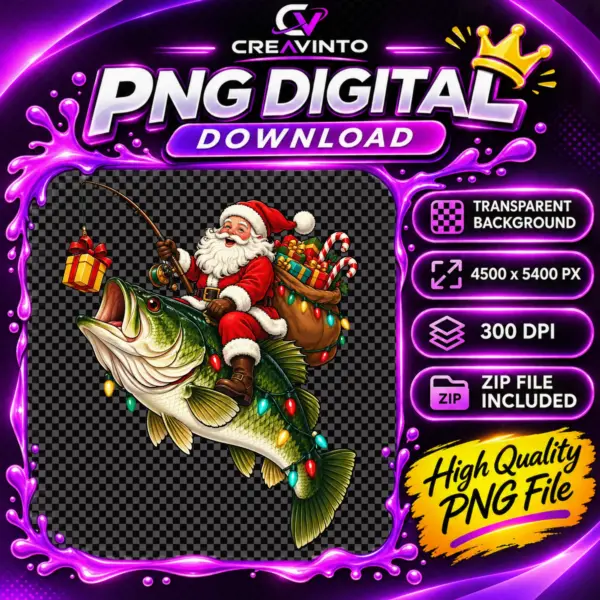
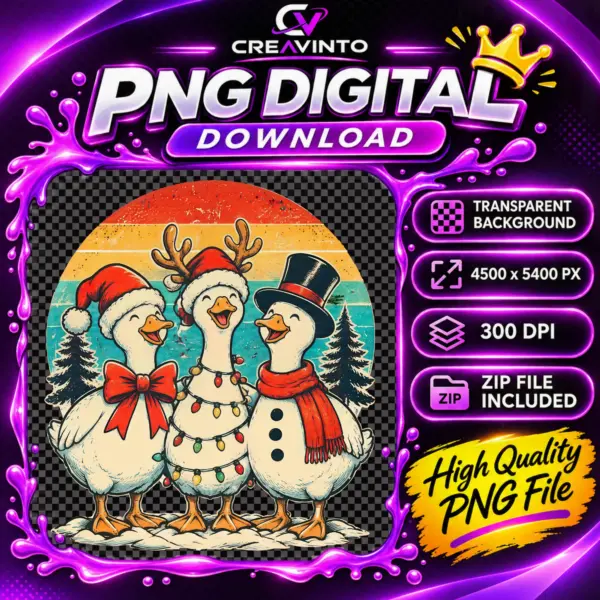
Santa and Reindeer Funny Retro Christmas artwork is great for holiday creations. Use this delightful PNG for greeting cards, party invitations, social media graphics, or personalized apparel. The playful expressions and bright red accents bring charm and joy to your designs.
What Comes With This PNG
This product has a high-resolution PNG with transparency, sized 4500 x 5400 pixels at 300 dpi. No physical product is shipped. The artwork features Santa Claus with his white beard and a cheerful reindeer, both wearing matching heart-shaped glasses and flashing peace signs. The Christmas decorations, such as red hearts and ornaments, enhance the retro holiday feel.
Why Choose It
Choosing this Santa and Reindeer Funny Retro Christmas design offers versatile digital artwork for personal or commercial holiday projects. Its transparent background allows easy use in many designs without extra editing. Additionally, the warm colors and humorous style add a unique festive spirit to your visuals.
How to Extract ZIP
After downloading, right-click the ZIP file and select “Extract All” or use your favorite decompression program. Next, find the PNG file in the extracted folder and open it in your design software. Remember, mockup previews are examples only and not included in the download.
Download
Get instant access to this cheerful Santa and Reindeer artwork to enhance your Christmas projects with festive fun and retro charm. Brighten your holiday season designs now!
Checking Your Digital Download
When downloaded, save the ZIP in a known location. Extract the archive before opening the PNG in your program. On computers, use Extract or Unzip commands. Many mobiles also support ZIP extraction.
Check extracted files instead of trying to open the ZIP as an image. Keep the original download in case you need it again.
Digital Download Checklist
- One original PNG artwork inside a ZIP file
- Digital product only; no physical items shipped
- Open ZIP with compatible extraction tools
Checking Your Digital Download
When the download is available, save the ZIP file to a location you can find again. Extract the archive before opening the included PNG artwork in your software. On a computer, the usual extraction command is called Extract or Unzip. Some mobile devices also provide a built-in ZIP extraction option.
Check the contents after extraction rather than trying to use the ZIP archive itself as an image. Keep a copy of the original downloaded file so you can return to it if needed.