












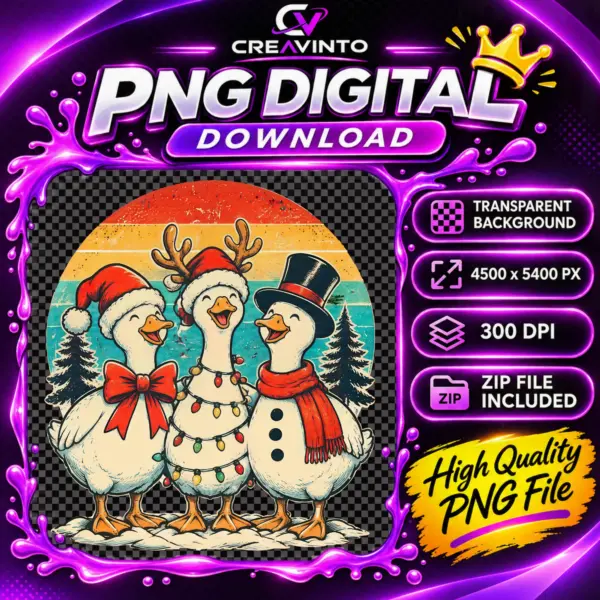

Description
Creative Projects Featuring Funny Santa Riding Big Fish
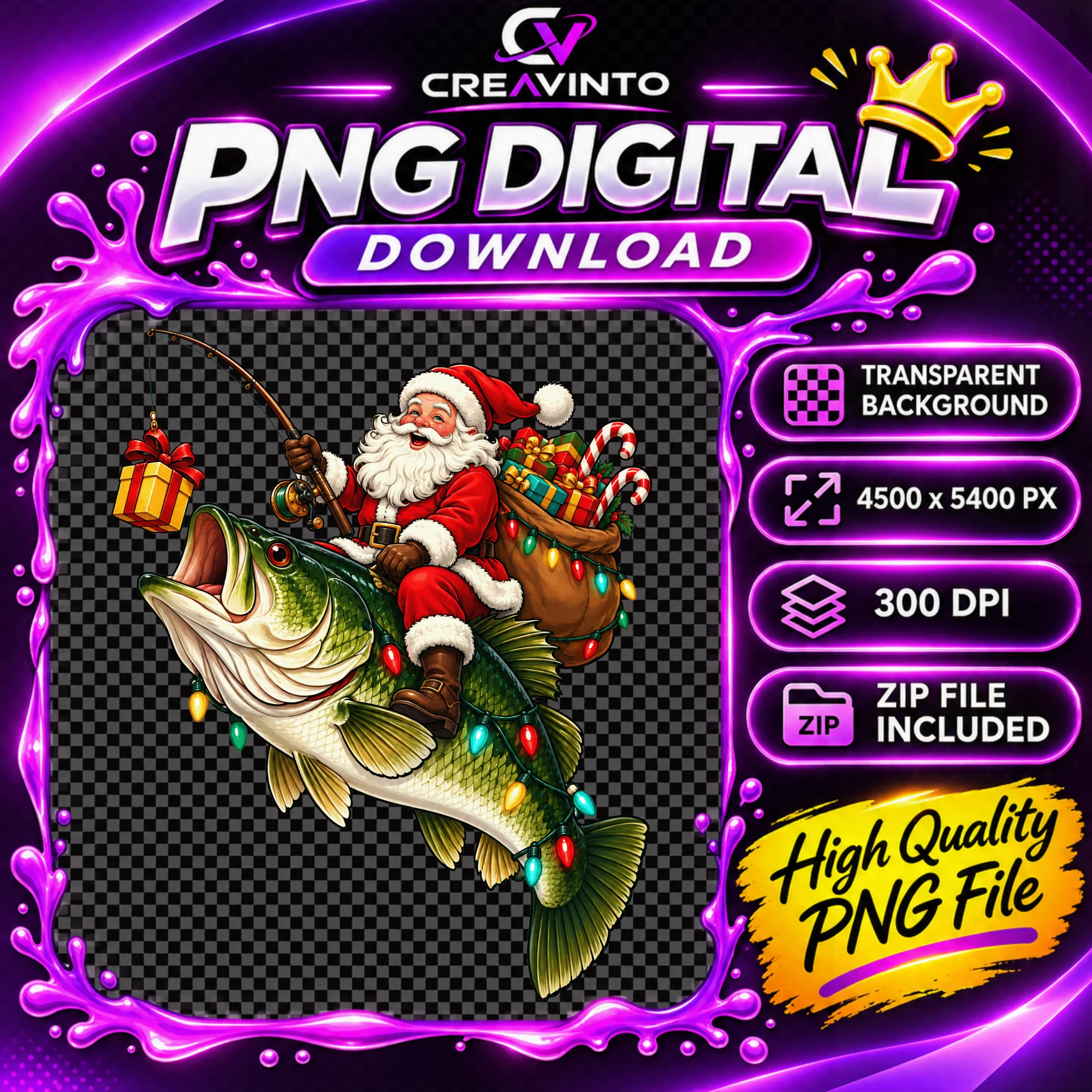
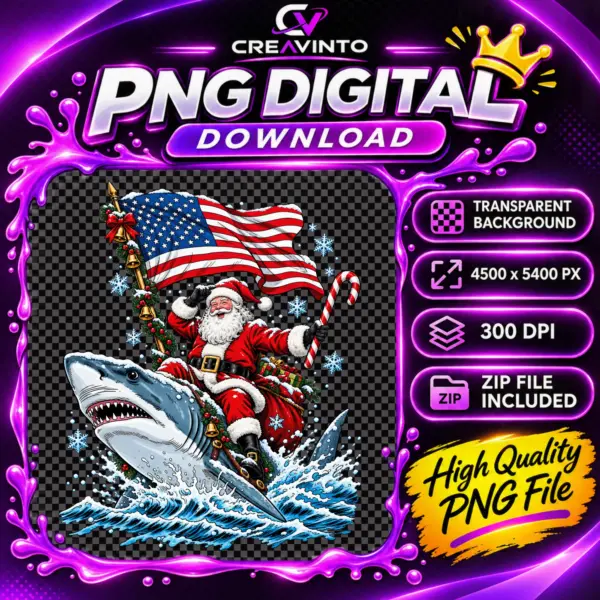
Funny Santa Riding Big Fish digital art adds a playful holiday theme to your projects. Santa Claus is joyfully depicted riding a large fish, decorated with colorful Christmas lights. He holds a fishing rod with a gift dangling as bait, bringing a unique twist to traditional Christmas imagery. This fun and creative design suits greeting cards, posters, and festive invitations.
High-Quality Digital PNG Details
This artwork is delivered as a transparent PNG file, sized at 4500 x 5400 pixels with 300 DPI resolution. The file ensures crisp details and vibrant colors ideal for both print and digital use. It is conveniently packaged in a ZIP file for effortless download and quick integration into any design.
Why Choose the Funny Santa Riding Big Fish PNG?
Selecting this Funny Santa Riding Big Fish image brings humor and holiday spirit to your creations. The vivid and detailed artwork highlights the festive season with Santa’s overflowing sack of gifts and candy canes. It’s an excellent choice for designs aiming to capture attention and spread seasonal joy.
Simple Extraction and Use Instructions
After download, extract the ZIP archive easily on Windows or Mac platforms to access the PNG file. Then, import it into your favorite design or printing software to start your holiday crafting.
Instant Download and Creative Freedom
Get immediate access to this this artwork digital PNG artwork. Please note, mockups shown are previews only and are not included with the product.
- High-resolution PNG artwork with transparent background
- Dimensions: 4500 x 5400 pixels at 300 DPI
- Festive design featuring Santa, gifts, and holiday lights
- Includes a ZIP file for download convenience
Tips for Managing Your Digital Download
Save the ZIP file in an easy-to-find location. Extract the PNG file using the standard extraction commands on your device before opening it in your design software. Always keep an original copy of the download file for backup.
Checking Your Digital Download
When the download is available, save the ZIP file to a location you can find again. Extract the archive before opening the included PNG artwork in your software. On a computer, the usual extraction command is called Extract or Unzip. Some mobile devices also provide a built-in ZIP extraction option.
Check the contents after extraction rather than trying to use the ZIP archive itself as an image. Keep a copy of the original downloaded file so you can return to it if needed.